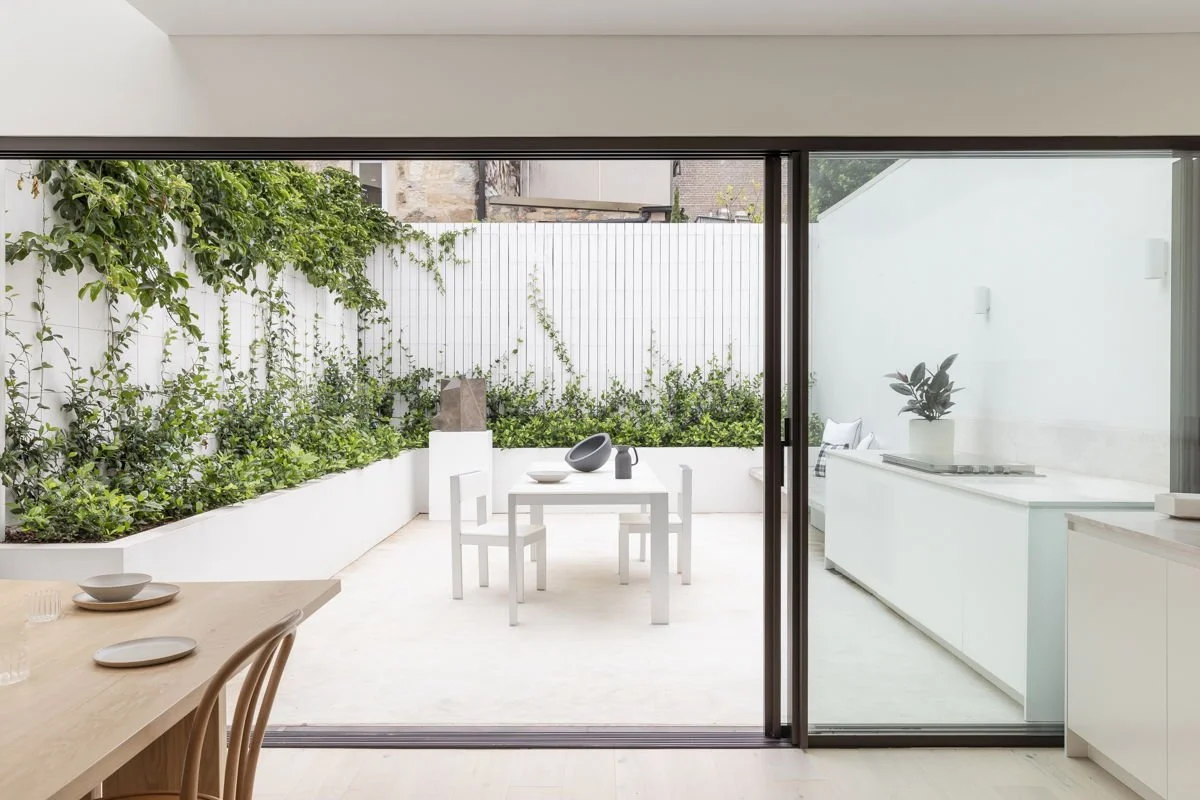
IvyHurst
HOUSE MANUAL
Welcome To IvyHurst!
Thank you for choosing to stay at Ivyhurst. The Getawayz NSW Team welcomes you into our home, and hope you enjoy your stay!
For any queries throughout your stay, please contact us, and include the property code “SYD019” in your message.
You can reach us at guests@getawayz.com.au, or via your booking platform.
We have provided you with a detailed manual, specific to this home. You will also find our house rules attached.
We hope you have a wonderful stay!
Living Space
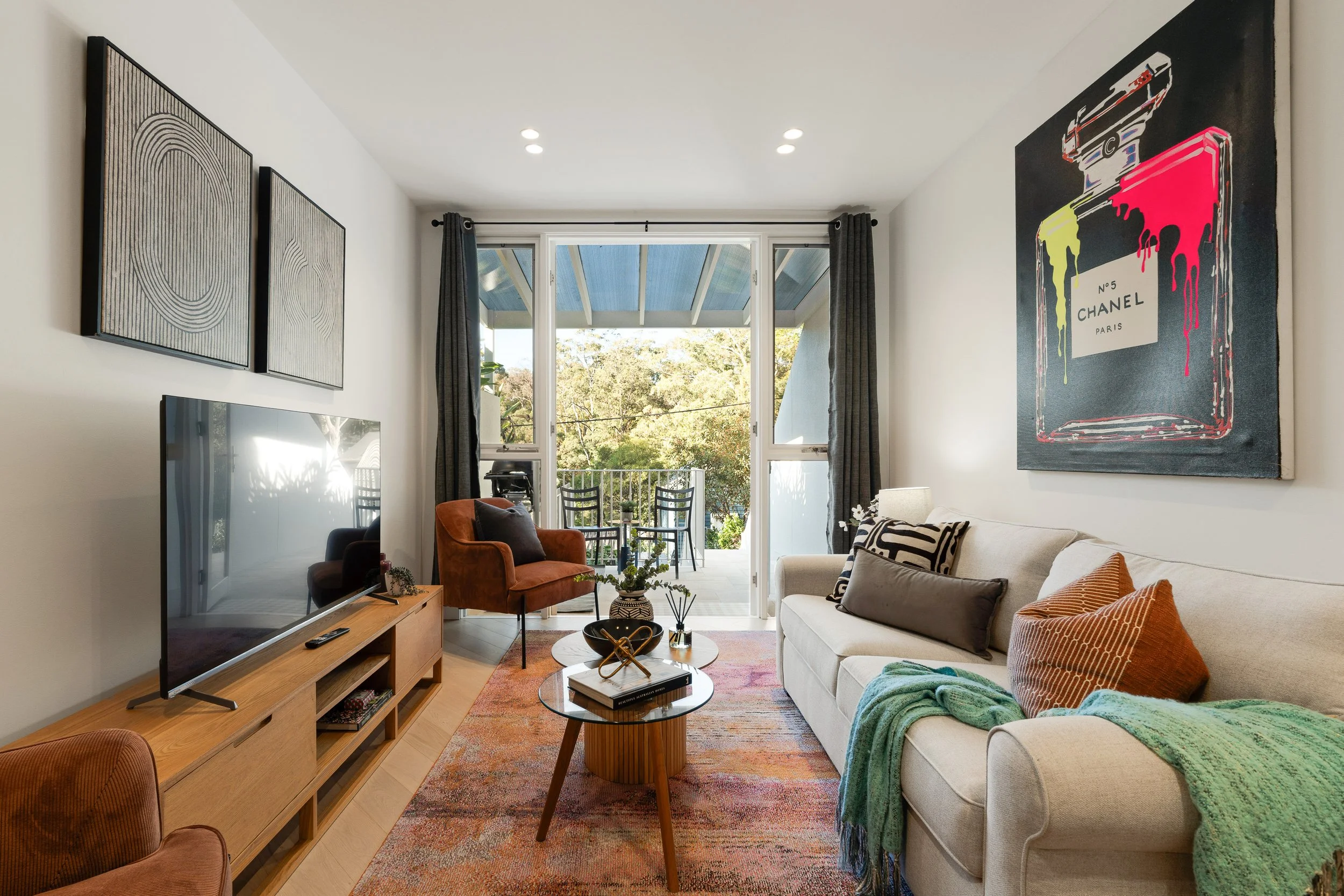
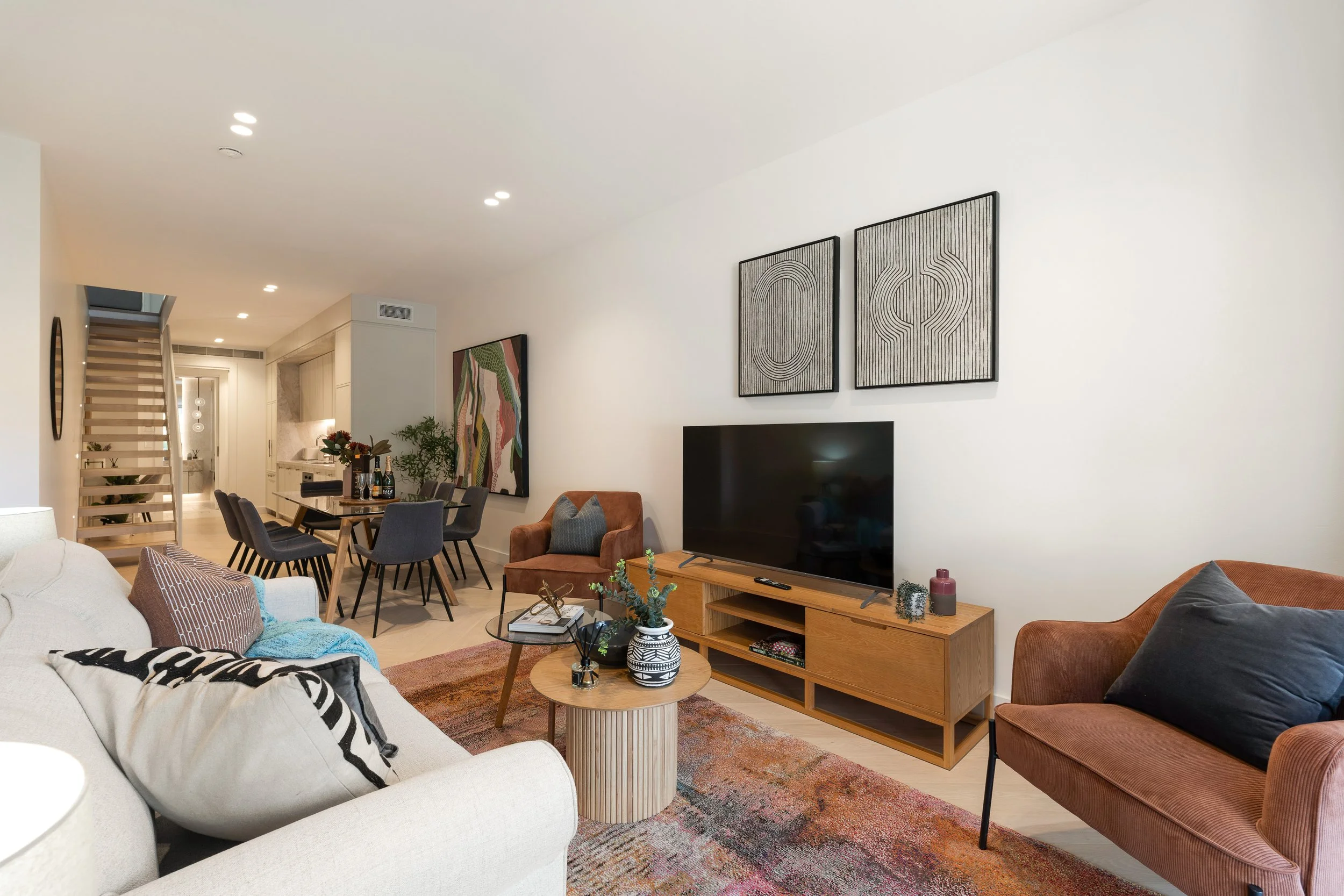
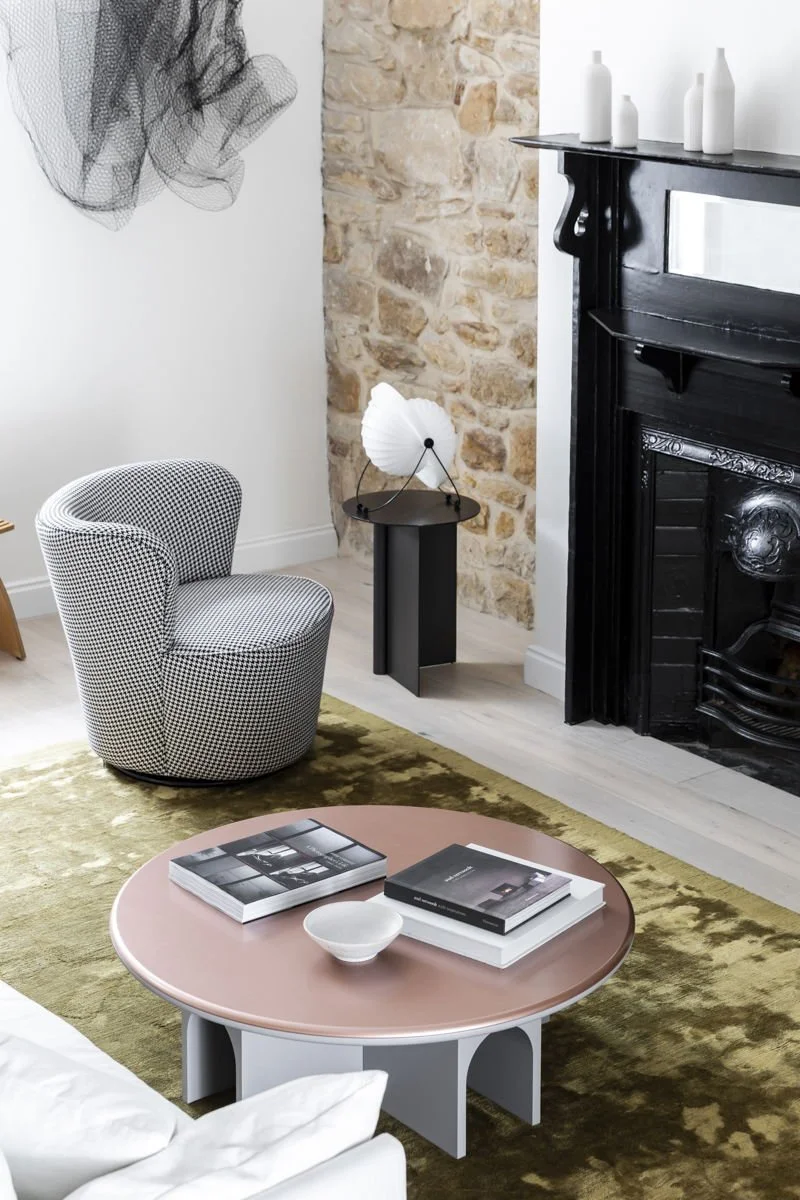
Relax in the elegant living area, where the home's original character blends seamlessly with modern comfort. Featuring a cosy lounge, original fireplace (decorative only), and beautiful stone feature wall, it's the perfect space to unwind after a day of exploring Sydney.
-
This home comes with high speed wifi, perfect for all your digital needs.
Network Name: Ivyhurst - Getawayz NSW
Password: Ivyhurst1235!
Should you need to restart the modem, it’s located in the right-hand side cupboard in the kitchen downstairs.
-
The home is situated with CHIQ TVs in both the living rooms and the master bedroom. To operate the TV please see the instructions below:
Press the Power button on the remote at the top left hand side.
To choose the streaming apps, you can either use the buttons at the bottom or press the grey “Home” button in the middle.
Use the left/right buttons to choose between options.
To watch TV channels, press the blue “Live TV”
Use the ▲/▼ buttons to change channels.
-
The home is equipped with a ducted air conditioning system that provides both heating and cooling.
Air conditioning is available throughout the home for your comfort. Use the wall-mounted control panel to adjust the temperature and settings independently.
To operate the system, press the power button to turn it on or off.
Use the mode button to select between cooling, heating, or fan only.
Adjust the temperature using the up and down arrows on the control panel.
You can also view the User Manual for more information
IMPORTANT: Please ensure that you turn off the aircon when going out.
KITCHEN
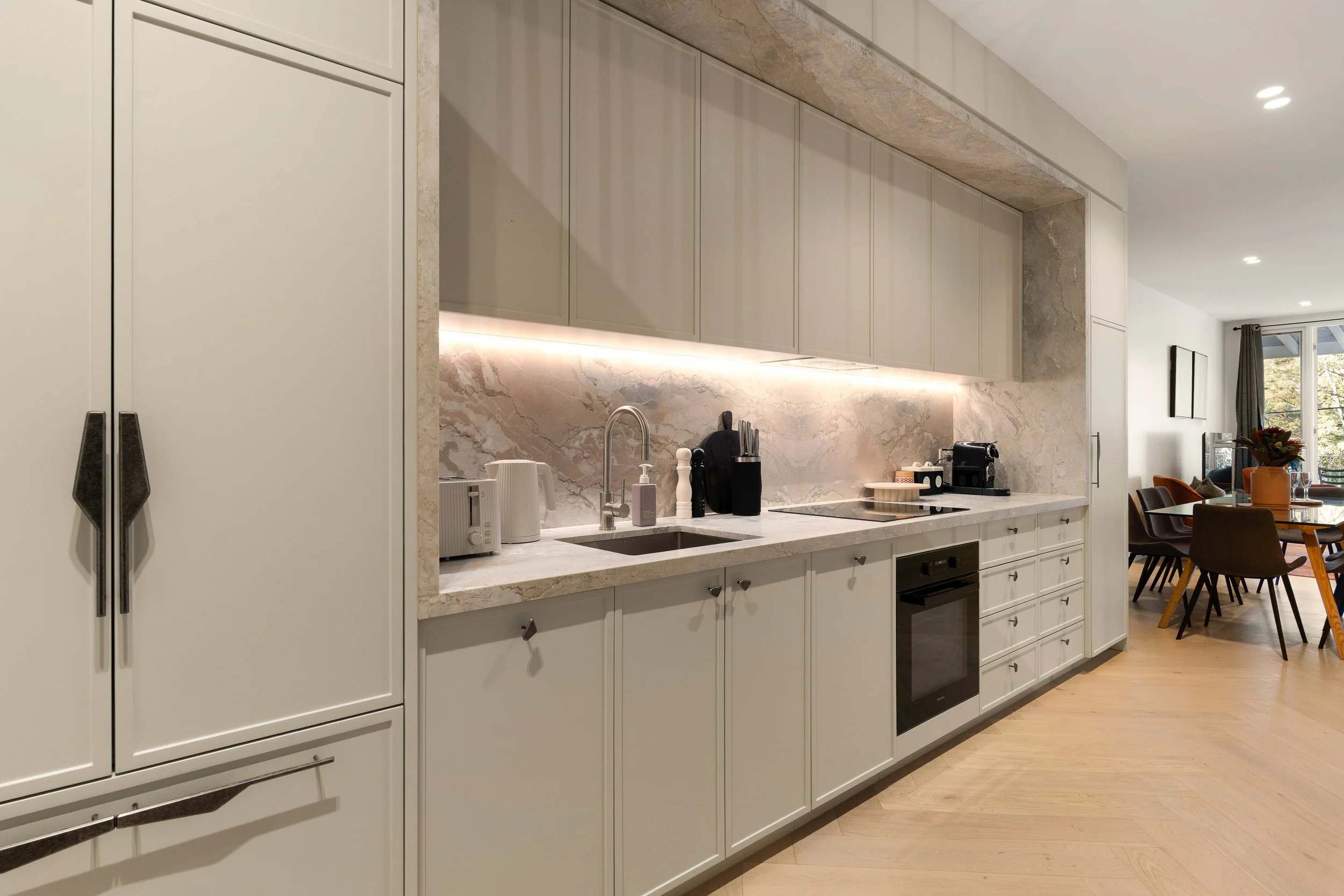
Our home comes with a fully equipped kitchen which is perfect for meals when you feel like staying in. Here you will find the main highlights on how to operate our kitchen.
-
Our home is equipped with a Miele induction stove, perfect for preparing home-cooked meals.
Please refer to the instructions below for use:
Place an induction-compatible pot or pan on the desired cooking zone. A pan must be placed on the stove for it to function.
Press and hold the On/Off button on the left to switch the cooktop on.
Select the cooking zone you wish to use on the screen.
Touch a number with your finger to select the heat level (1–9). Higher numbers provide higher heat.
To turn a cooking zone off, reduce the heat level to 0.
When finished, press and hold the On/Off button to switch the cooktop off completely.
You can also view the User Manual for more information
IMPORTANT: The cooktop may remain hot for a while after use. Please avoid touching the cooktop until it cools down.
-
INSTRUCTIONS:
To turn on the rangehood, press the power button.
You will have various levels of extraction available to you. Press the numbered buttons to choose the desired flow.
When you have finished cooking, press the power button again to turn the range hood off.
Press the Light button to switch the rangehood lights on or off.
-
INSTRUCTIONS:
Turn the function selector knob on the left to choose your desired cooking mode (e.g. Fan Plus, Conventional Heat, Grill, or Bottom Heat).
Turn the temperature selector knob on the right to set your desired cooking temperature, then press the OK under the digital display to start the oven up.
The digital display will remain on while the oven is heating and will switch off once the set temperature has been reached.
Allow the oven to preheat if required.
To set a timer, press the Timer button located between the two control knobs. Use the knob on the right to select the desired cooking time, then press the OK button to confirm. Select the desired temperature with the same knob then press the OK button to confirm. The oven will beep when the timer has finished.
Place your food in the oven and close the door.
When cooking is complete, turn both the function selector and temperature selector back to 0 (Off).
-
Our home comes with a Miele dishwasher.
We ask that you make sure all the dishes are run in our dishwasher prior to your departure.
We will leave ample dishwashing tablets for you to use that are under the sink. If we are running low, please advise us and we will replace these for the next guests.
Also, the dishwasher door drops so we ask that you please open the door carefully.
Load dishes to the dishwasher
Place a dishwasher tablet in the detergent dispenser and close the lid.
Press the On/Off button to switch the dishwasher on.
Select your preferred wash programme using the ARROW DOWN button to the left of the displayed modes (e.g. Eco, Auto, or Intensive). The Eco programme is recommended for everyday use.
Close the door to begin the wash cycle.
-
Every Getawayz home is equipped with a Nespresso machine and milk frother. Complimentary coffee pods are provided for your visit.
When using the Nespresso machine:
Ensure the machine has adequate water, and is turned on at the powerpoint.
There are buttons to make different sized coffees on the top of the machine. After turning the machine on, these buttons will flash until the machine is ready for use.
When ready, place the pod in the machine and pull the silver latch down. Then press the button corresponding to your desired size of coffee.
Please regularly empty out the discarded pods from the machine.
If you prefer milk in your coffee, we request that you supply your own milk for your visit.
Home Utilities & Services
This section covers the key utilities and services available to make your stay comfortable. Everything is here to help you settle in and enjoy your time.
-
MYKIN WASHING MACHINE
Load clothes into the drum (don’t overload)
Add detergent into the detergent drawer
To turn this on, simply turn the knob in the middle to choose your desired wash cycle
If required, adjust the temperature, spin speed, or other wash options using the control panel.
Press the Start/Pause button under the digital display to begin the wash cycle.
MYKIN DRYER
Load the clothes in the dryer and then close the door. Make sure to not overload the dryer.
Turn on the dryer by pressing the power button on the right hand side of the display screen.
Rotate the knob on the left to select your desired drying program.
If required, adjust the drying level or other options using the control panel.
Press the Start button underneath the power button to begin the cycle.
Once you have finished using the dryer, turn the program knob back to the top and turn off using the power button.
IMPORTANT: Please clean the lint filter after every use and empty the condensation water container when it becomes full or after use if indicated on the display.
-
To use, please follow the instructions below:
Open the barbecue lid
On the right side of the BBQ, push the top main burner control knob in and turn it anti-clockwise (left) to the start/high position.
On the left side of the BBQ, push and hold the electronic igniter button. You will hear it ticking.
6) Check that the burner is lit by looking through the cooking grills. You should see a flame.
Then you can turn on + burner by pushing the control knob in and turn it anti-clockwise (left) to the start/high position. This will automatically ignite from the main burner.
If the main burner does not ignite, turn burner control knob to O the off position and wait five minutes to allow the gas to clear before attempting to light the burner again.
After use, ensure the BBQ is turned off by turning both control knobs clockwise (right) to the O position.
A gas bottle isn’t need as it’s connected to the main gas line.
-
The fuse box is located on the left-hand side of the front porch when facing the property from the street.
In the case of a complete or partial power outage, please check the fuse box:
If any switches are flipped into the ‘off’ position, flip them back to an ‘on’ position.
If all switches are on, and no changes occur, then this is most likely an issue with the power supply.
Unfortunately, there is nothing Getawayz NSW can do to rectify external power outages.
We would recommend either:
Using the Ausgrid Website to check for any known outages in the area.
You may also call their hotline number: 13 13 88
If there is not a local outage and you are still experiencing issues, please contact the Getawayz NSW on 0480 801 294. For any issues after 9pm, we will attend first thing in the morning, if power is not returned to the home.
-
The bins are located in the garage.
The recycling bin is the yellow bin and red is for general rubbish. Please make sure you use the correct bins for the correct materials.
-
FIRE
Getawayz NSW prioritizes the safety of our guests and conducts regular fire safety inspections in all our properties.
To ensure safety, kindly use the rangehood in the kitchen and adhere to our strict 'no-smoking' policy within the house premises.
For emergencies, there is a fire extinguisher, fire blanket and first aid kit located under the sink. If used, please inform Getawayz NSW immediately.
In the event of a fire, please first ensure the safety of all guests and then promptly call the fire department at +000 using your phone.
Your safety is our top priority, so please report any near misses or incidents to us. Your cooperation is appreciated.
-
Getawayz NSW has staff available 7 days a week, from 8am - 9pm.
Please email us at guests@getawayz.com.au for any enquiries during business hours.
Alternatively, you can contact us via your booking platform.
For issues during your stay, please call us on 0480 801 294.
Any contact outside of business hours will be responded to from 8am onwards, the next day of business.
Please note that we take all inquiries from guests very seriously, and do our best to respond in a timely manner.