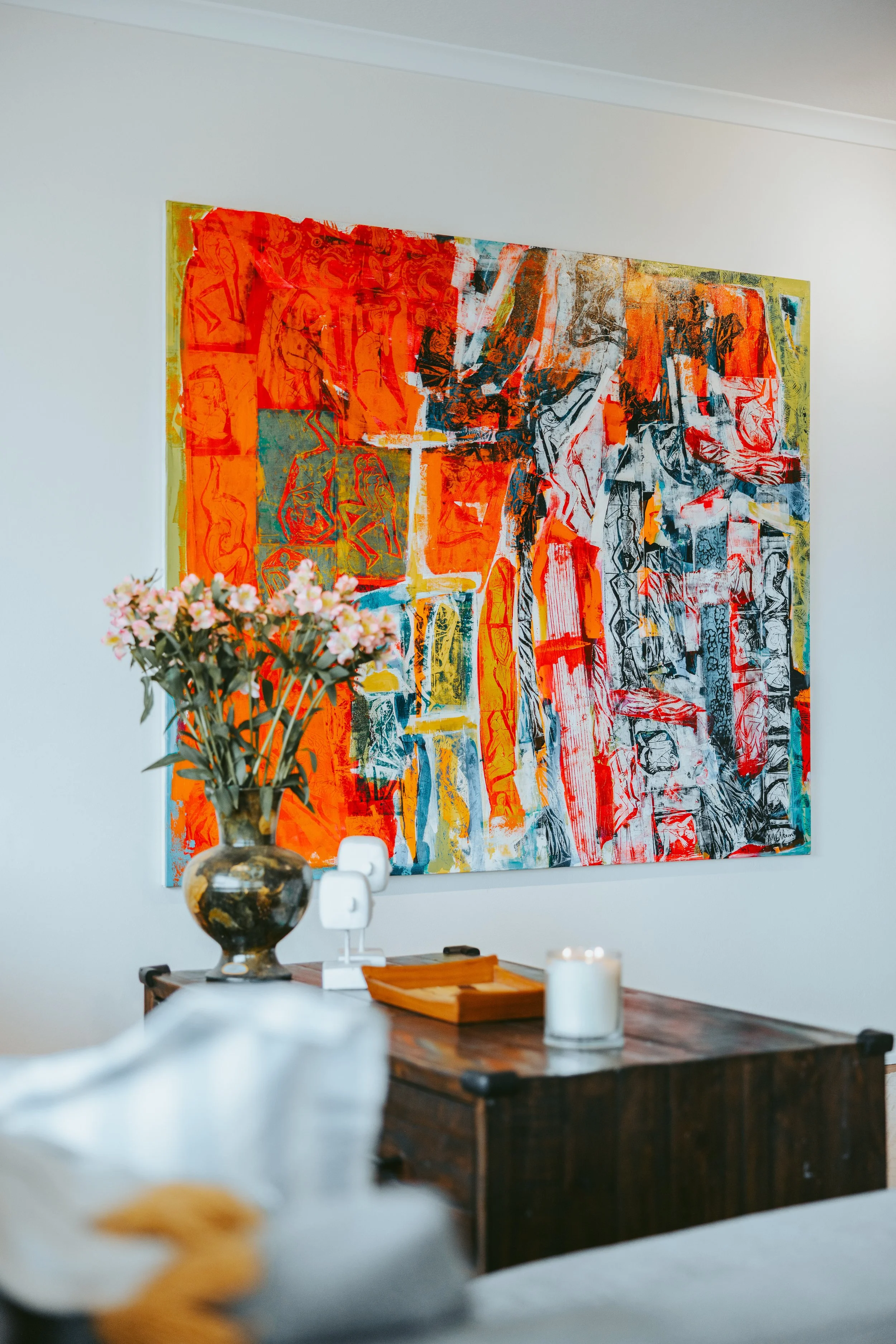
The crows nest retreat Manual
Welcome To the crows nest retreat
Thank you for choosing to stay at The Crows Nest Retreat. The Getawayz NSW Team welcomes you into our home, and hope you enjoy your stay!
For any queries throughout your stay, please contact us, and include the property code “SYD017” in your message. You can reach us at guests@getawayz.com.au, or via your booking platform.
We have provided you with a detailed manual, specific to this home. You will also find our house rules attached.
We hope you have a wonderful stay!
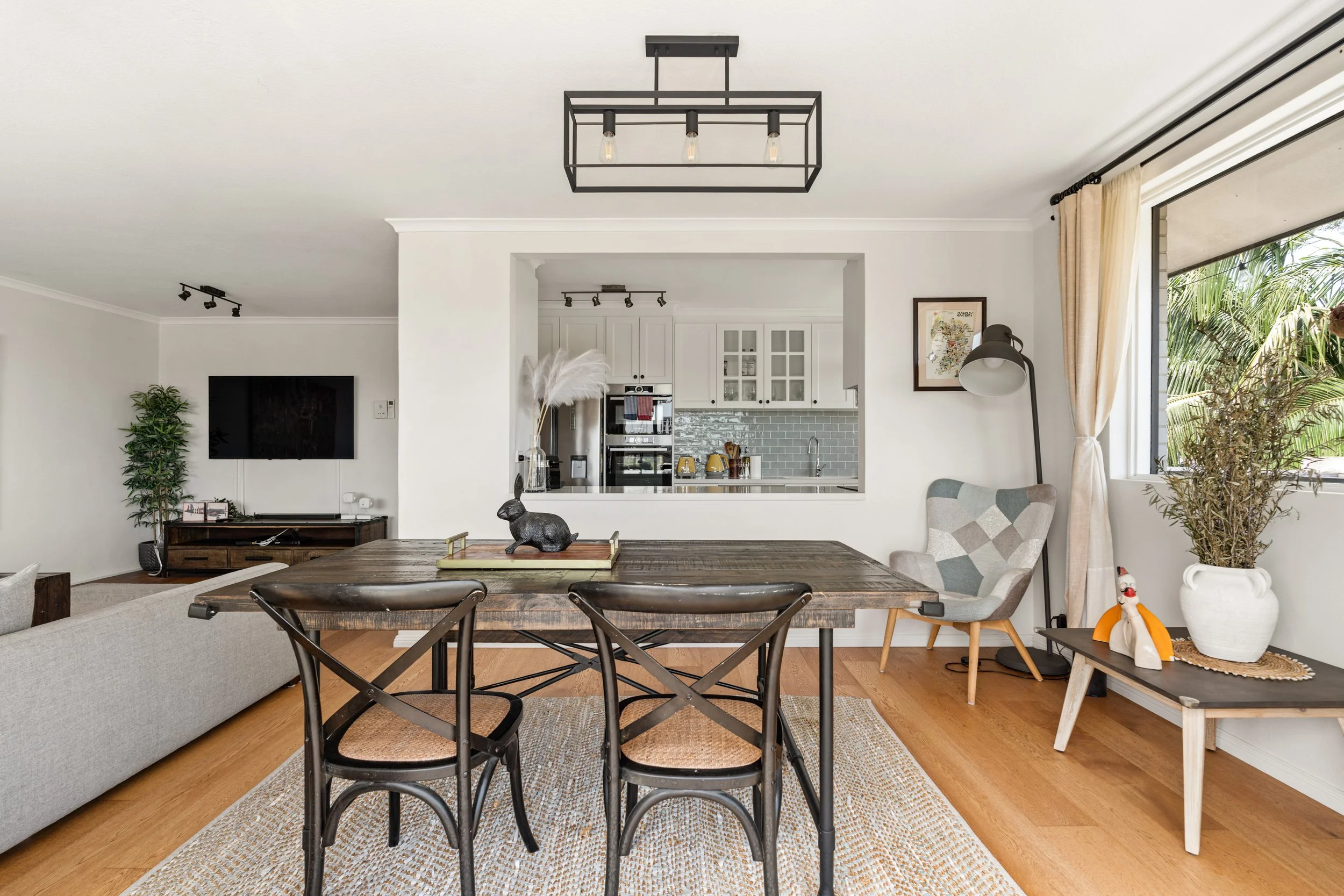
House Rules
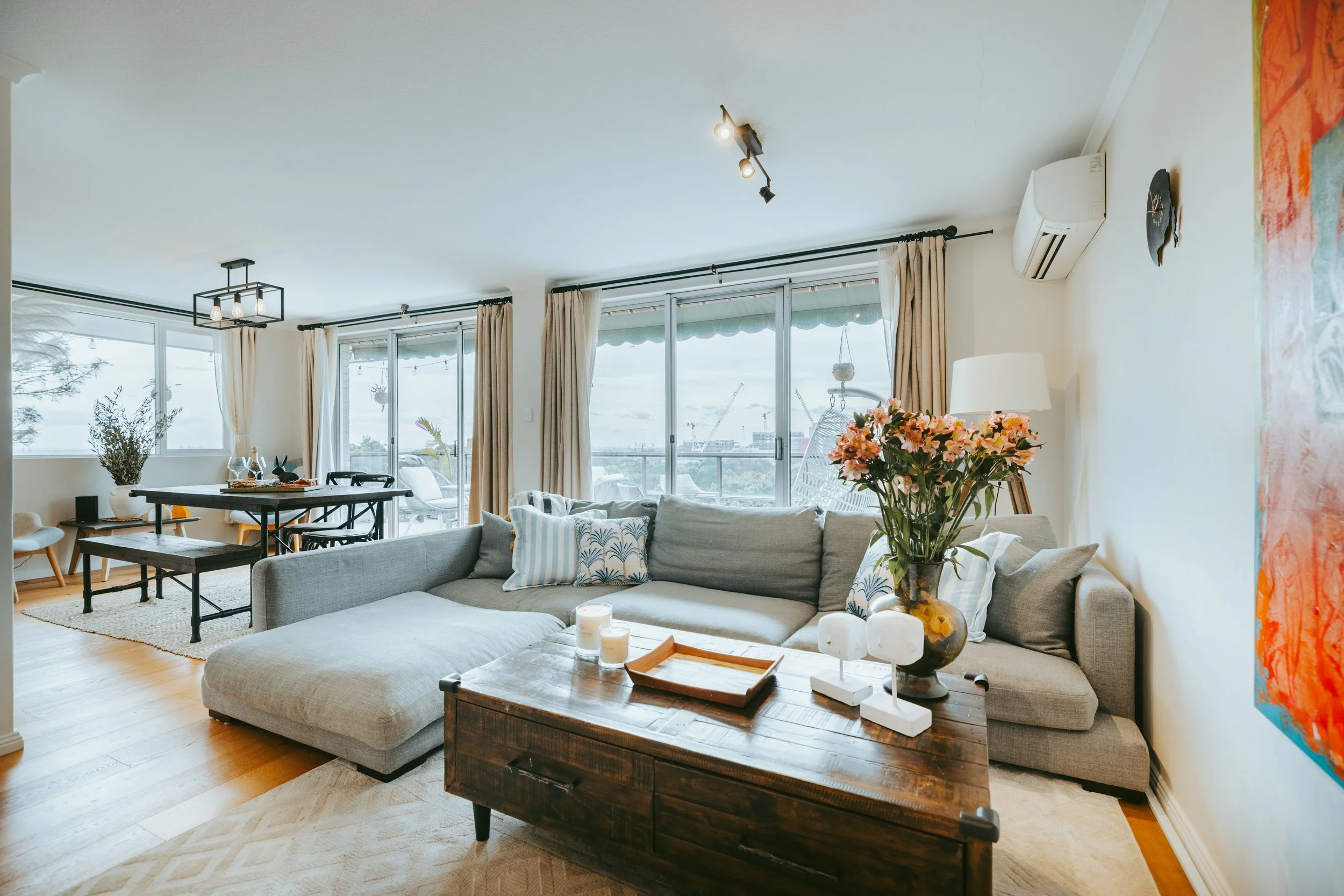
LIVING ROOM
Our home features open-plan living room, dining and kitchen. Below you will find the main highlights on how to operate the main aspects of our living room.
-
Our home comes with high speed wifi, perfect for streaming your favourite shows and sports! The details can be found below:
NETWORK NAME: K dubs Crib
PASSWORD: CrowsNest1988!If you need to reset the modem, it is located below the living room TV.
-
Our living room comes with a LG Smart TV which has access to free to air TV as well as an abundance of smart apps. Please see the instructions below on how to operate the TV.
There is one smart remote to operate the TV. The remote has a red symbol in the top left corner, this will turn the tv on/off.
When turning on the TV, to select between different applications simply scroll along the scroller in the middle of the remote and press the scroller to select the application. Once you select a red pointer will also appear on the screen and you can use this to select different options.
Please also note:
Please note we do not provide any Netflix or other accounts, you will need to log into your own accounts for use
Please always remember to log out on departure. Getawayz NSW is not responsible for any additional bills or payments made on your account if you forget to log out.
-
The living room and 2 bedrooms have the same Daikin an aircon units to keep you comfortable during your stay with cooling and heating modes. We ask that you kindly turn them off when you are not in the home.
Remote Locations:
Living Room: On the wall next to the TV
Bedroom 1: On the bedside table
Master Bedroom: On the wall outside the bedroom, to the right
Basic Use:
Press the middle ON/OFF button to start.
Use the right up/down buttons to set temperature.
Use the top-left button for fan speed.
Pull down the cover for more settings: Mode (top left) and Swing (top right).
For more instructions, please visit the Daikin website or watch this video
Additional Cooling
Bedroom 2: Ceiling fan; remote on the wall to the right of the door. Light switch next to the remote must be ON.
Master Bedroom: Ceiling fan with the same requirement—light switch next to remote must be ON.
Living Room: Portable fan next to the TV.
Bedroom 1: Portable fan in the corner by the window.
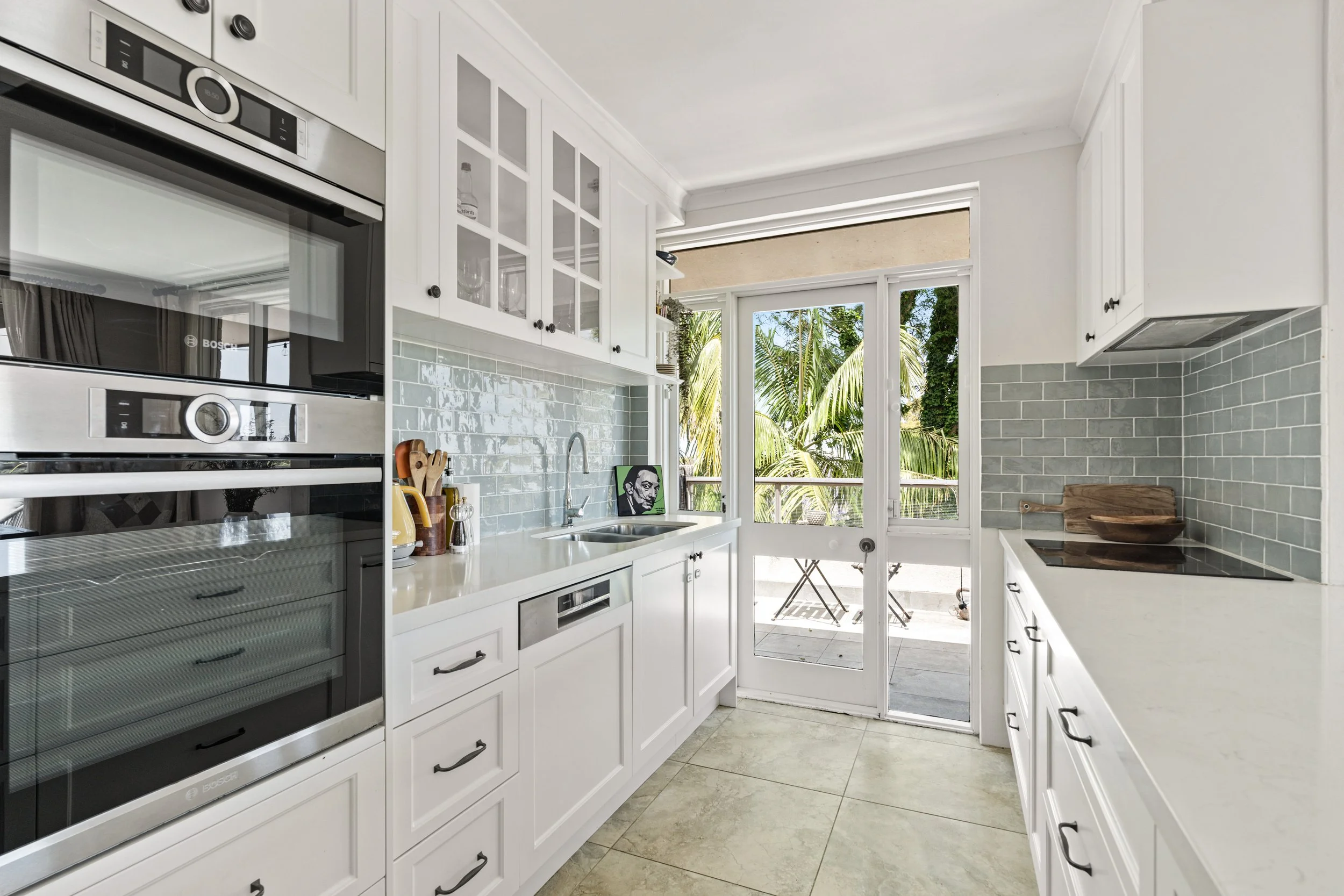
KITCHEN
Our home comes with a fully equipped kitchen which is perfect for family meals when you feel like staying in. Here you will find the main highlights on how to operate our kitchen.
-
Our main home comes with a Bosch oven and compact microwave, perfect for home cooked meals. Please see the instructions below on how to use them.
Push the silver on/off button of the left right side of the oven.
The screens in the middle will turn on with the settings and the buttons on the screen our touch sensitive.
The Menu button and timer are on the left side of the screen and you can go to Menu to choose your “Types of Heating".
The silver circle in the middle of the screen is a rotary selector that you can touch and scroll to move to different options.
Once you have chosen your preferred settings, push the silver start/stop button on the far right side of the oven.
For further instructions please visit the user manual or watch this video
The microwave above has similar settings and controls.
-
Our main home comes with a 4-burner induction stove that is extremely easy to use and operate.
In order to use this, hold the on button on the far left to turn on.
A pot or pan will need to be on the cooking zone before this will heat up.
You can choose your preferred cooking zone by pressing one of the plus signs in the middle and a red line will appear below the displayed number.
Then choose the temperature using the numbers at the bottom.
You can also set a timer using the far right button and using the numbers below to change the timer.
Important: The hob has a residual heat indicator (H) for each cooking zone. Do not touch the cooking zone if the residual heat indicator is lit.
For further instructions, please visit this user manual.
For the exhaust fan above the stove:
Simply pull this forward to open it over the stove
Press the ON/OFF button to the far left
Use the middle + and - buttons to adjust the strength setting of the fan.
You can also turn on the light under the fan by pressing the far right button.
Ensure you turn off the fan and light first before pushing it back in after use.
-
Our kitchen comes complete with a Nespresso Machine and milk frother, perfect for the perfect cup in the morning. Getawayz NSW will provide you with ample coffee pods throughout your stay. If you prefer milk coffee over black coffee, you will need to provide your own milk for your stay.
On departure, if the coffee pods are running low, please advise us and we will make sure to replace these for the next guests.
Please see the instructions on how to use the Nespresso Machine below:
Other than turning on the Nespresso Machine at the powerpoint, the first thing to do is make sure there is enough water in the machine to make your desired coffee.
On the top of the Nespresso machine, there are two buttons to make coffee (the left is for short black, and right is for long black). Behind this is the switch to power the machine. Simply press this down and it will turn on the machine. The buttons mentioned above will flash until ready to be used.
Simply place the pod in the machine and pull the silver latch down. This will make your coffee.
Please remember to not overfill the pod tray.
-
The kitchen comes with a Bosch dishwasher to make cooking and cleaning a breeze! Follow the steps below on how to use this:
Please rinse off any food residue before putting the dishes in the dishwasher.
Insert the dishwashing tab in the slot on the inside of the door.
The settings are on the top of the door once opened.
Press the on/off button on the far left.
Choose your desired program with the buttons in the middle. The screen will display your chosen program with how many minutes it’ll take.
Then press the start button on the far right side.
For further instructions, visit this user manual
Upon check-out, please load all the dirty dishes in the dishwasher and run it under the “quick” setting. Our housekeepers will truly appreciate this.
other amenities
Our home is full of all the amenities that you, your friends family and your chosen family could ask for. Below we have listed the other amenities available for you and your family to use throughout your stay!
-
Our home comes with an internal laundry for you to use whilst you stay with us. The LG washing machine and dryer is located on your first right after entering the house.
Open the drawer located on the far left and insert the washing powder or detergent into the left tray and close.
To use the machine turn it on with the power button on the bottom left of the settings knob.
To chose from the programs simply twist the knob in the middle to your desired program for washing.
On the right hand side, you can see around the screen different options for the cycle you have selected, including wash temp, water level and spin speed.
To start the cycle, simply press the start/pause button located on the the bottom right of the knob.
For further instructions visit this user manual
-
Our home comes with a Fisher and Paykel dryer for you to use throughout your stay.
Please ensure the lint filter inside the door has been cleaned before each use
Press the power button on the far right side.
To choose the desired program, use the buttons on the right and right side of the screen.
Then press the start/pause button the far left side.
For further instructions, visit this user manual
-
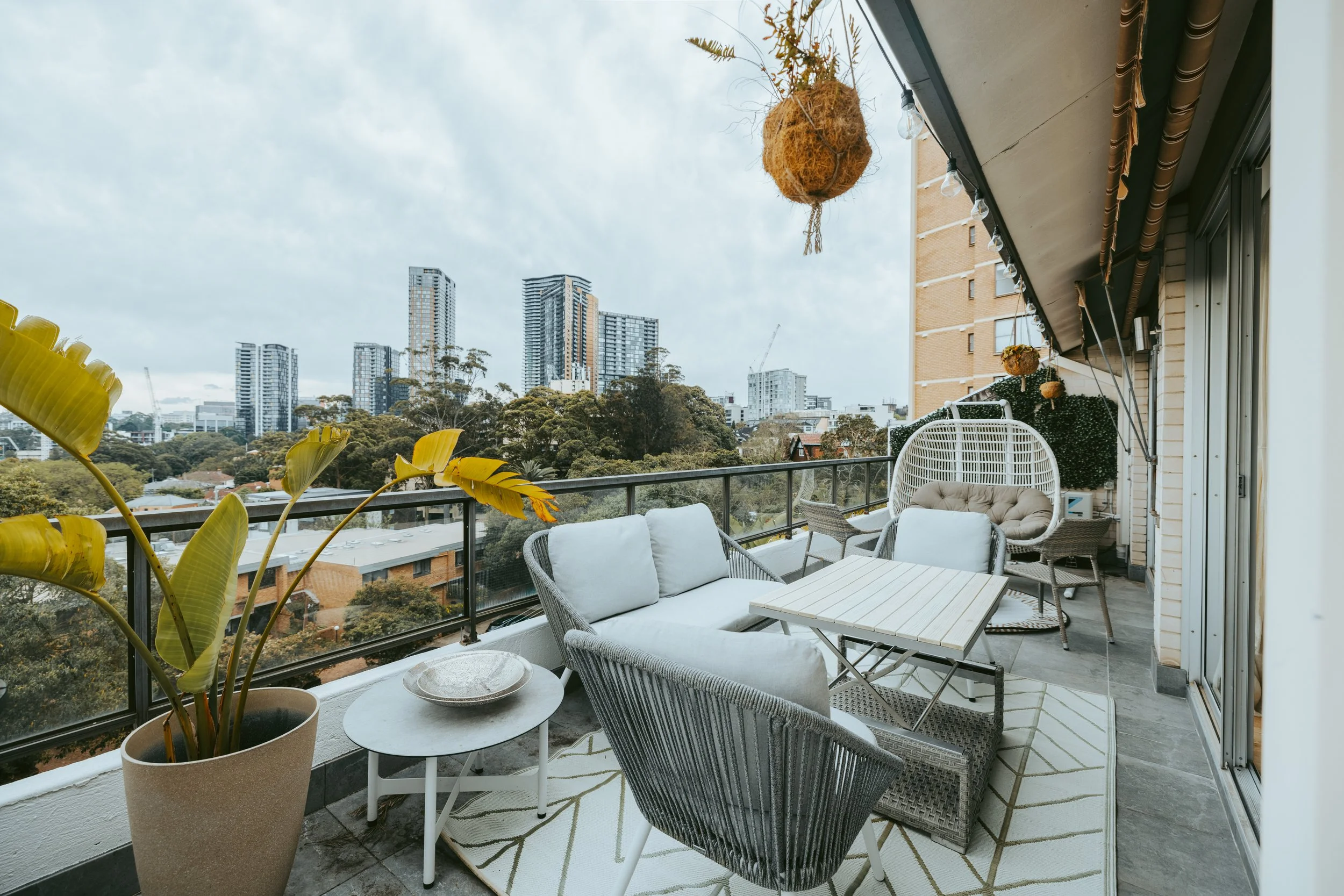
Our Gas BBQ is located on the top level of our house just outside on the balcony area and is perfect for family entertaining.
To turn this on, use the knobs at the back left and right side of the BBQ.
The right knob is for the right side of the BBQ and the left knob if is for the left side.
Push in the knob then hold and turn it to the left until you hear it ignite and see the flame in the middle of the BBQ.
After use please turn off the gas bottle by turning tightening the knob at the top of the bottle.
We provide a gas bottle which will be connected for you throughout your stay.
If the gas bottle runs out, please let Getawayz NSW know and we will make sure to change this over when you have departed.
We ask if you use the BBQ, this must be cleaned prior to your departure. If this is not done, an additional $50 surcharge will be charged from the bond or claimed via the platform you have booked the home.
-
Getawayz NSW ensures that each property has working fire alarms, and undergo regular fire safety inspections.
Please be mindful to use the range hood in the kitchen, and to abide by the ‘no-smoking’ house rule.
In the case of a fire, prioritise the safety of all guests in the home, and then immediately call the fire department via +000 on your phone
Please report any near misses or incidents to us. Your safety is of utmost importance!
-
The fuse box for this property is located in the kitchen cabinet opposite the fridge.
In the case of a complete or partial power outage, please check the fuse box:
If any switches are flipped into the ‘off’ position, flip them back to an ‘on’ position.
If all switches are on, and no changes occur, then this is most likely an issue with the power supply.
Unfortunately, there is nothing Getawayz NSW can do to rectify external power shortages.
We would recommend either:
Using the AusGrid website to check your power status.
Or call their hotline number: 13 13 88 to report an outage.
You will need to provide your postcode 2065 for these services.
If there is not a local outage and you are still receiving issues, please contact the Getawayz NSW hotline on 0480 801 294. For any issues after 9pm, we will attend first thing in the morning, if power is not returned to the home.
-
The bins are located behind the mailboxes next to the "Ambervale 2 Lamont Street" sign.
The recycling bin is the yellow bin and red is for general rubbish. Please make sure you use the correct bins for the correct materials.
Bins are collected Monday mornings and will be handled by the building management.
-
Getawayz NSW has staff available 7 days a week, from 8am - 9pm.
Please email us at guests@getawayz.com.au for any enquiries during business hours.
Alternatively, you can contact us via your booking platform.
For issues during your stay, please call us on 0480 801 294.
Any contact outside of business hours will be responded to from 8am onwards, the next day of business.
Please note that we take all inquiries from guests very seriously, and do our best to respond in a timely manner.